.png)
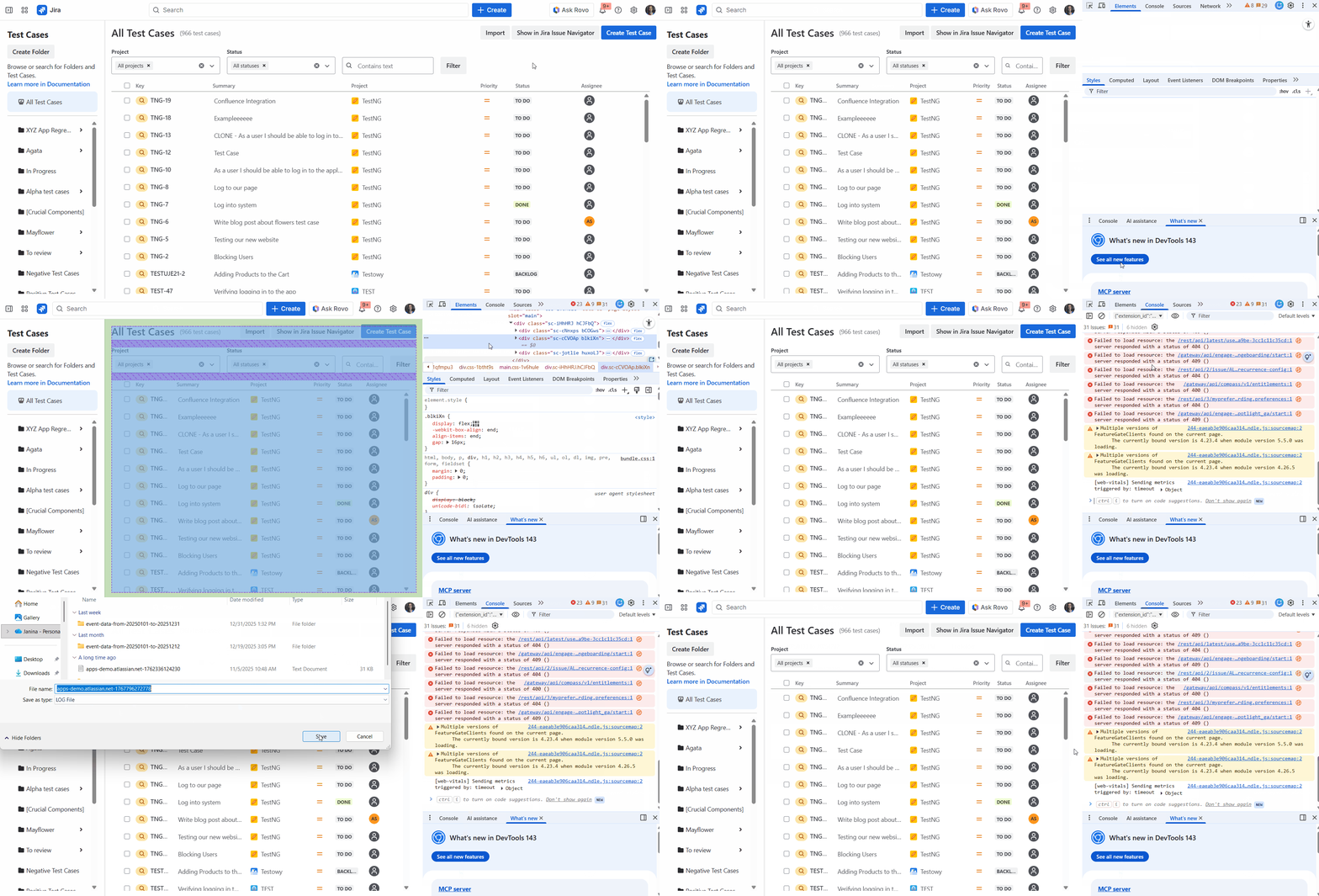
When QAlity is not working as expected or you see some error on your screen there is probably additional information in your browser console. Below we prepared steps and a gif of how you can retrieve this information and send it to us.
-
Open the page where you experience problems with QAlity.
-
Use shortcut Control+Shift+J or click the right mouse button → Inspect.
-
Make sure you have selected console tab (at the top of the window that showed up).
-
Click right mouse button on any message → Save as.
-
Save the file and attach it to the support message.
Do you have any questions or feedback? Feel free to contact us here 💡