.png)
This feature is available in QAlity Plus - Test Management for Jira exclusively.
Effortless Test Case Management in Cycles - you can change the status and assignee directly from the test cycle overview page. Simplify your workflow, no more navigation hassle. Test with ease, and manage with speed.
Change Test Execution Status
-20231122-123007.png?cb=1b5e549c91441fe778b6de099f7d6168)
Change Execution Assignee
-20231122-124236.png?cb=e7395fe32d3a5da6588f4c9cb0b2cbd3)
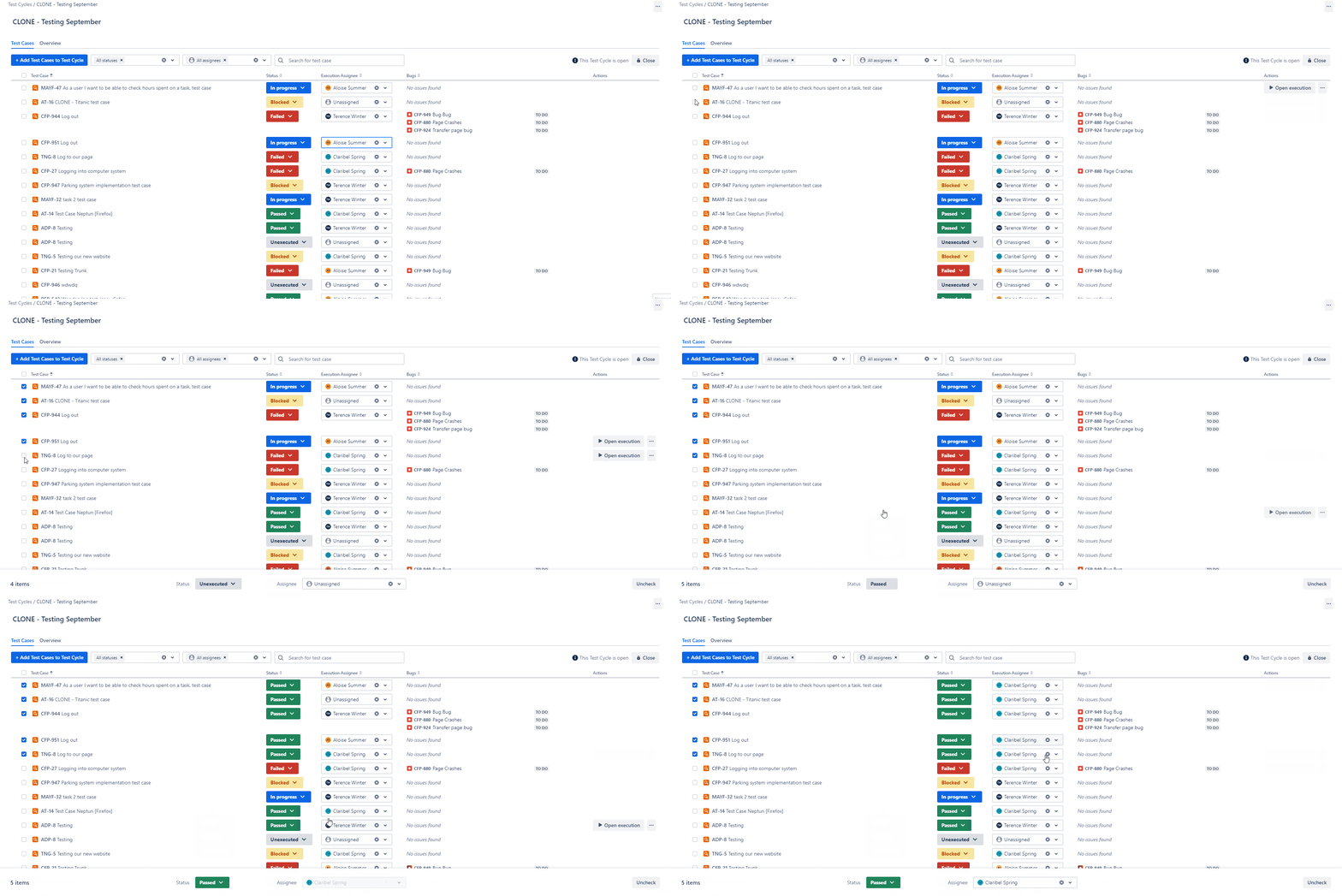
Bulk Change of the Status & Assignee
When managing a large number of test cases within a test cycle, consider using bulk actions for assigning test case execution assignees and changing statuses. To find desired test cases even faster use text field search.
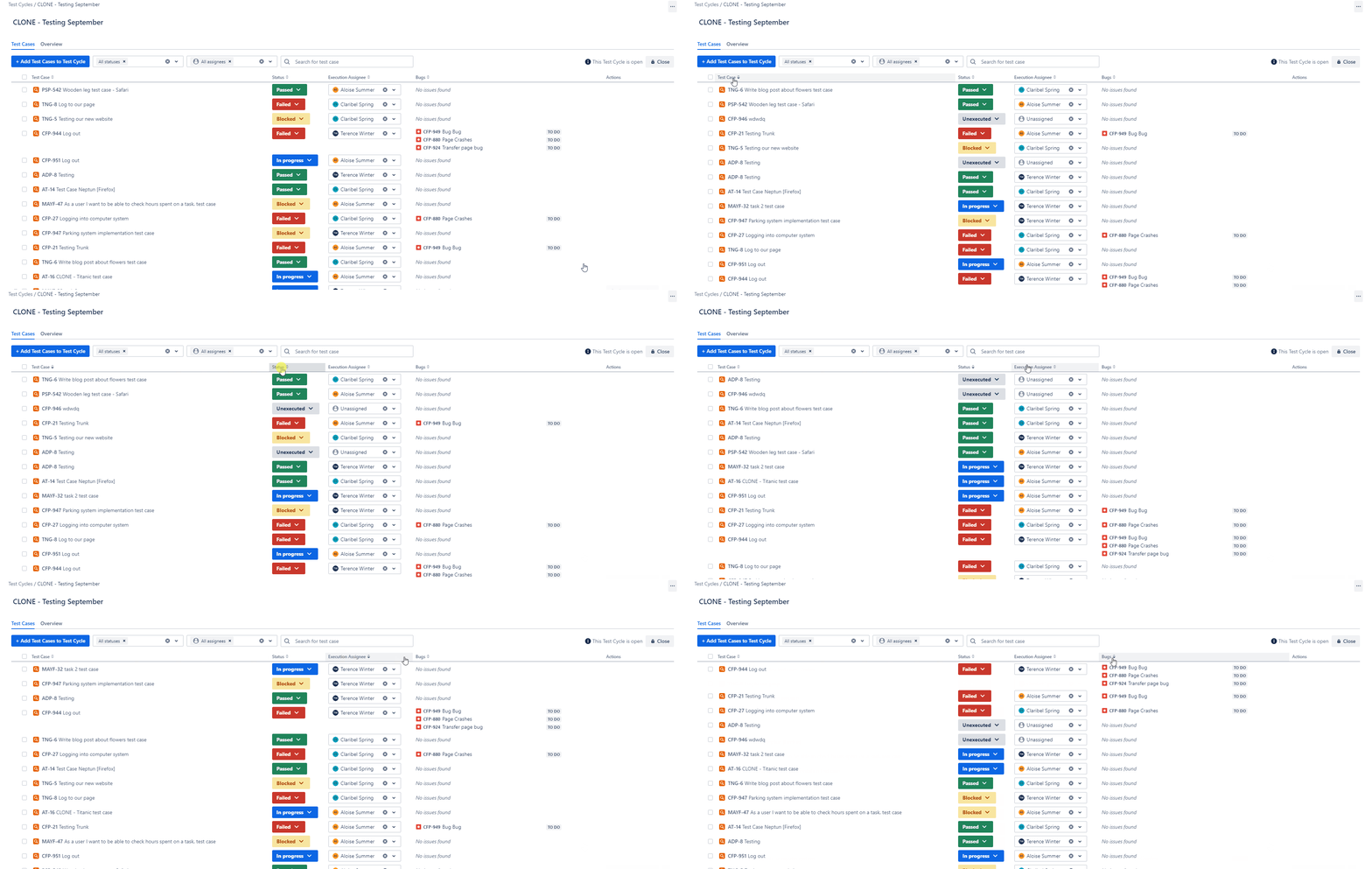
Sorting Executions
Elevate your test cycle management with the effortless arrangement of test cases. Our intuitive sorting options allow you to organize by summary, status, assignee, and reported bug number, streamlining your workflow for greater efficiency.
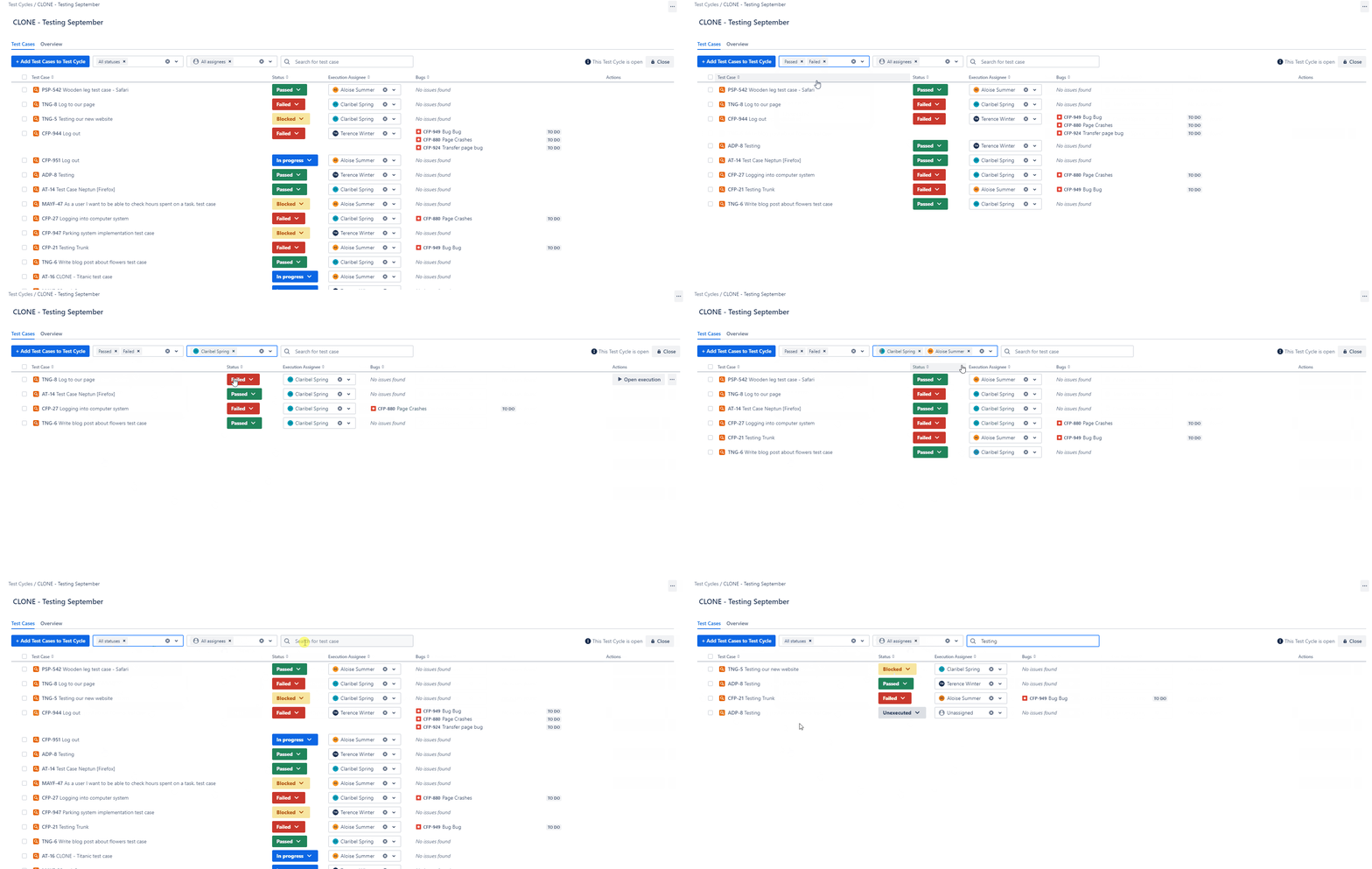
Filtering Executions
You can easily filter your executions by the execution status and assignee, and by the key words.
Do you have any questions or feedback? Feel free to contact us here 💡