.png)
Quick Replace supports replacing values in such blocks as text, quotes, titles, lists, and codes. However, it does not support replacing values within Workdocs tables, layouts, and notice boxes.
To access the app, you must select at least one block in which you would like to find and replace a value. Quick Replace will search for the values in the selected block.
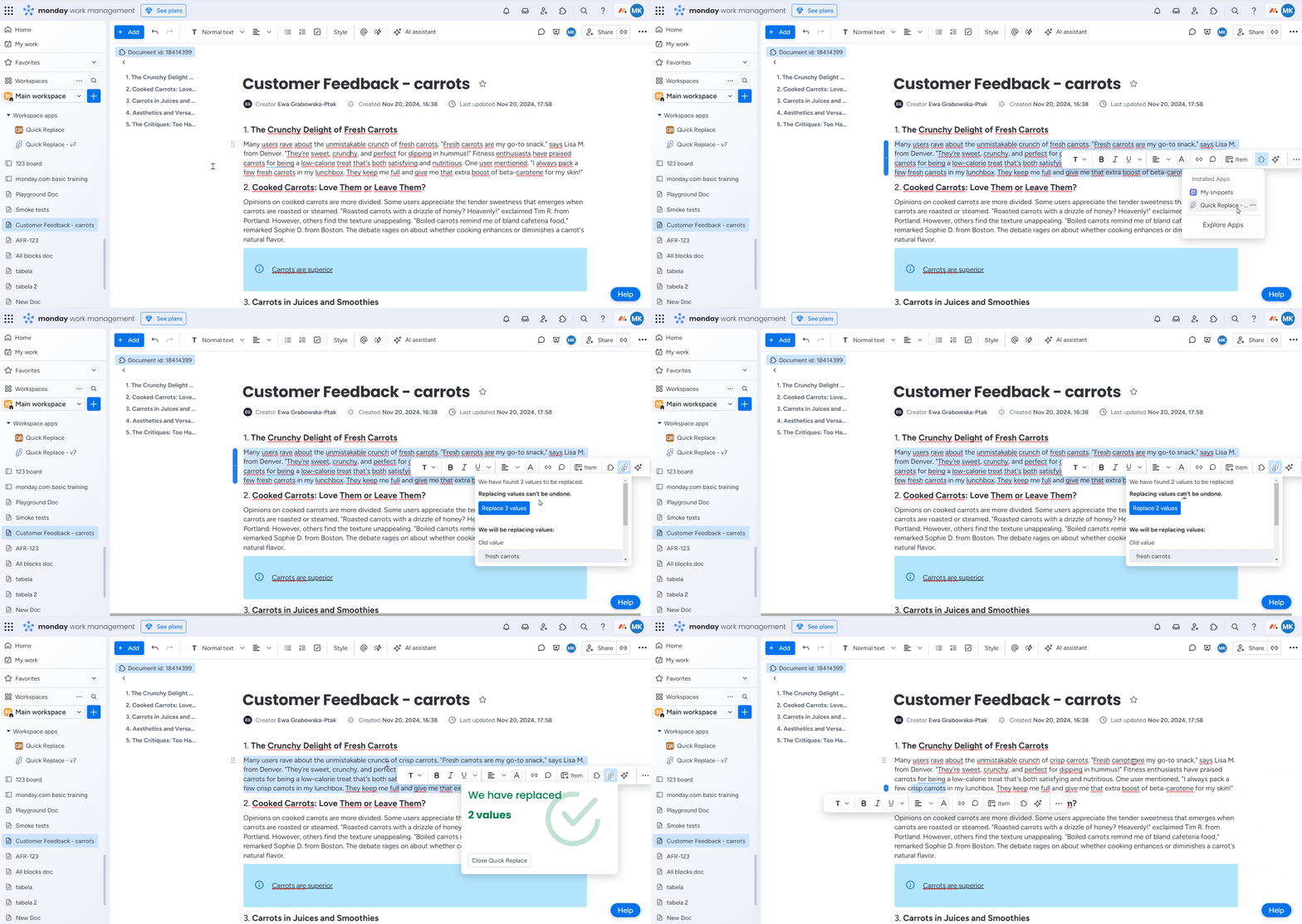
You can extend the scope of replacement by selecting multiple blocks or even the entire page.
.png?cb=edba33a14a6be03c691b954d8194543e)
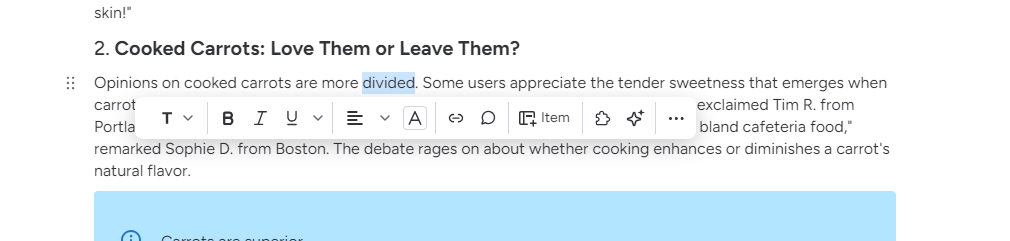
To select the block, you can also select just a singular word or a letter. Quick Replace will search for the values in the whole block.
Replacing values in code blocks
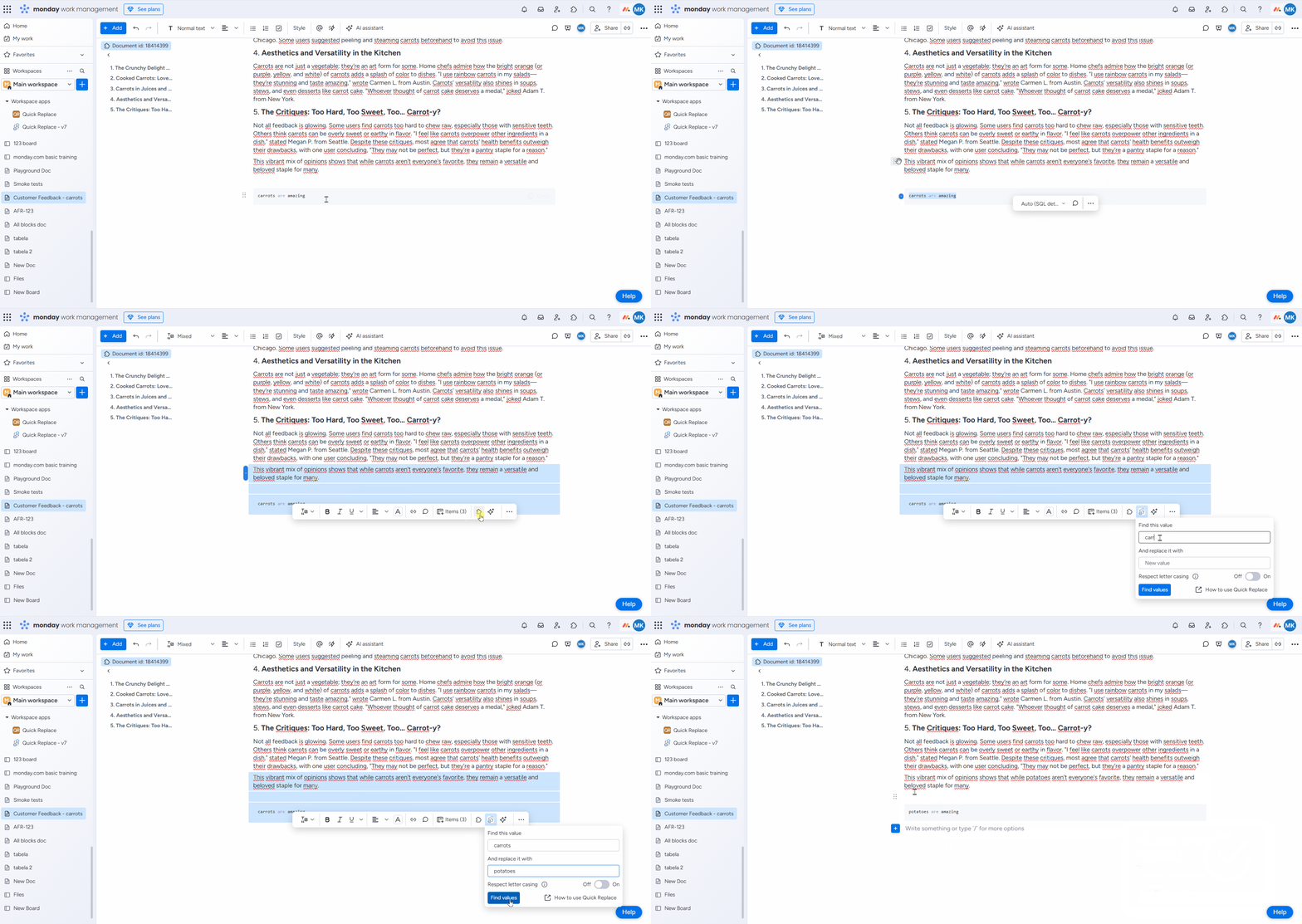
To replace values within a code block, you must first select the block using a different type of text block, such as a quote or a title block. This is necessary because code blocks do not support opening the Quick Replace menu due to technical limitations.
Styling
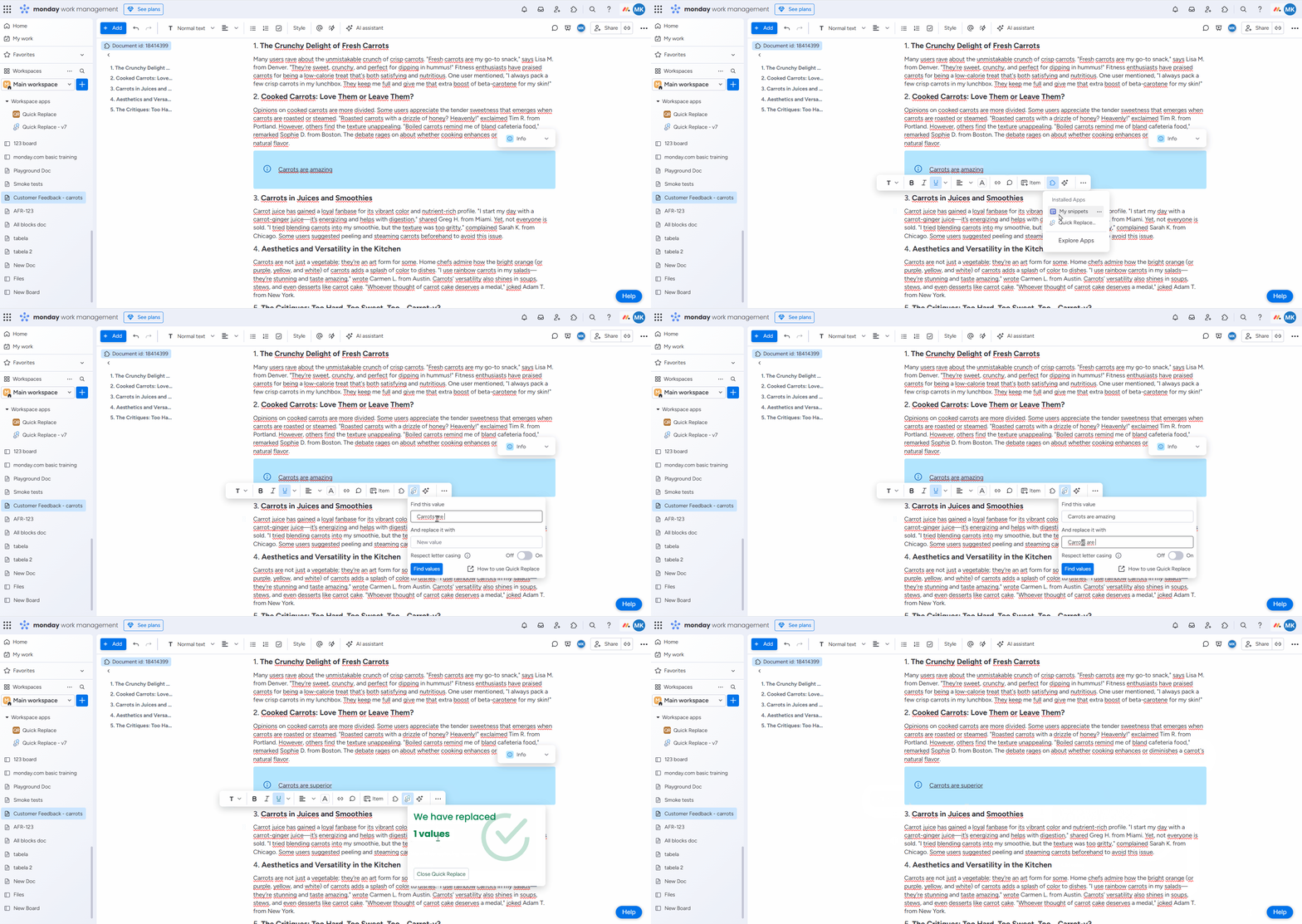
Quick Replace does not support replacing the formatting or style of the replaced values. Instead, the app applies the styling based on the first character that is being replaced.
For example, if we want to replace the phrase ‘Carrots are amazing' with 'Carrots are superior’.
The replaced phrase will be underlined. As in this case, the first original letter was underlined and we kept the formatting.
There is also an option to enable case-sensitivity.
.png?cb=999320e3d0893fcc2ca83f5be4e493b5)
Do you have any questions or feedback? Feel free to contact us 💡