.png)
The ‘Favorite issues’ gadget is a convenient tool located on the right-hand side of the Time Assistant's main dashboard.
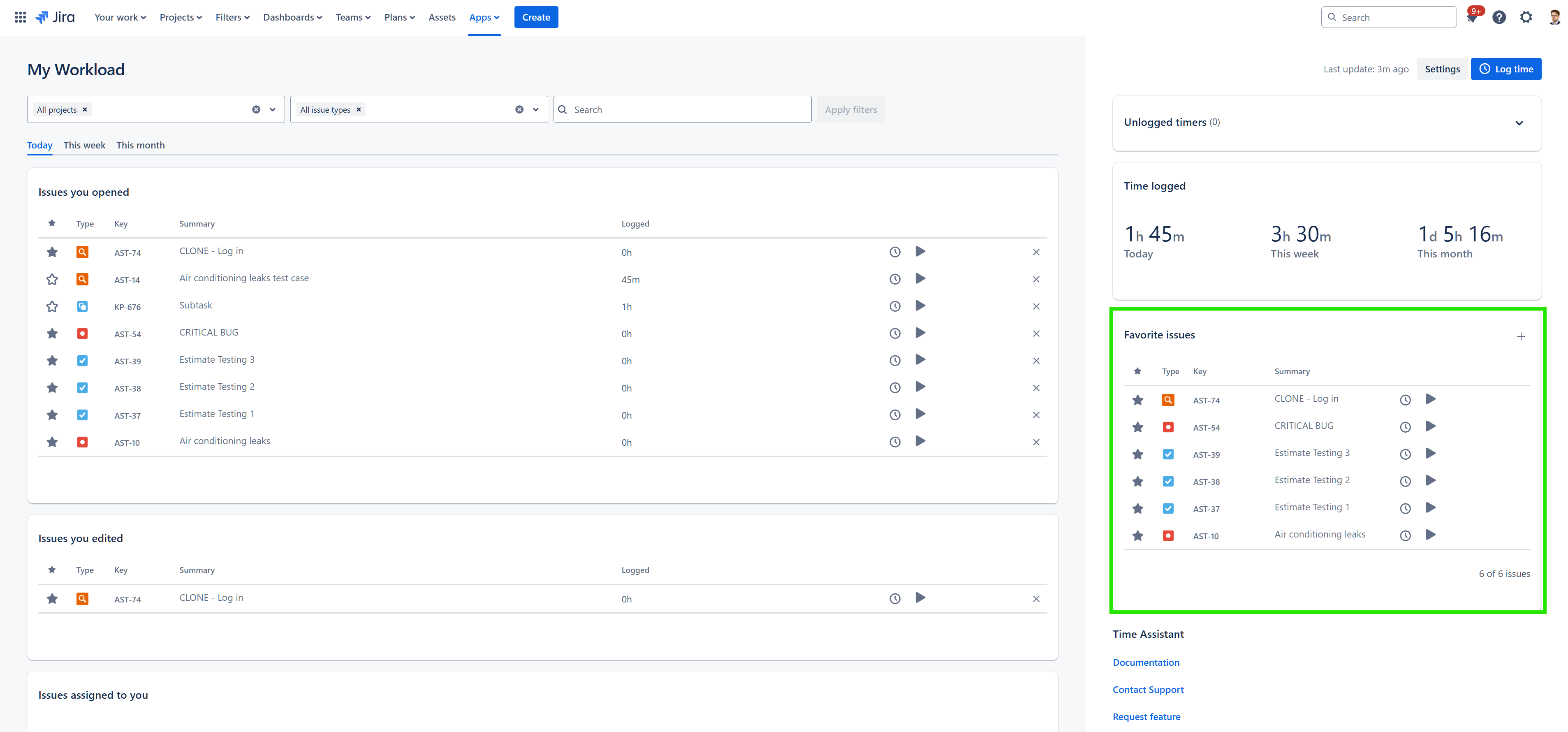
This feature allows you to quickly access and manage issues that you've marked as favorites across all Time Assistant gadgets.
Features
-
Favorite issues list: Displays a list of issues that you have favorited. Initially, up to 50 issues are shown, with an option to load more, if additional favorites exist.
-
Issue organization: The list is ordered alphabetically by issue key for easy navigation and reference.
Actions
-
Add new favourites: Click on the '+' icon in the upper right corner of the Favorite issues gadget to select and add issues to favourites.
-
Unmark favorite: Remove an issue from your favorites directly within the gadget by clicking on the star icon.
-
Log time: Quickly log time by clicking on the clock icon, which opens the ‘Log Time modal.’
-
Load more: If your ‘Favorite issues’ list will exceed the number of 50 issues, you can load more issues.
Learn more: