.png)
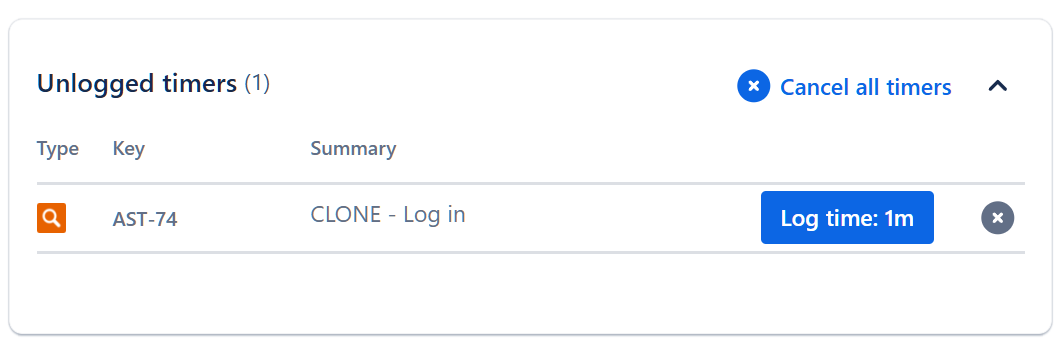
The ‘Unlogged timers’ section will automatically unfold and show all ongoing or unlogged timers in your current workload. It is located over the ‘Time logged’ section.
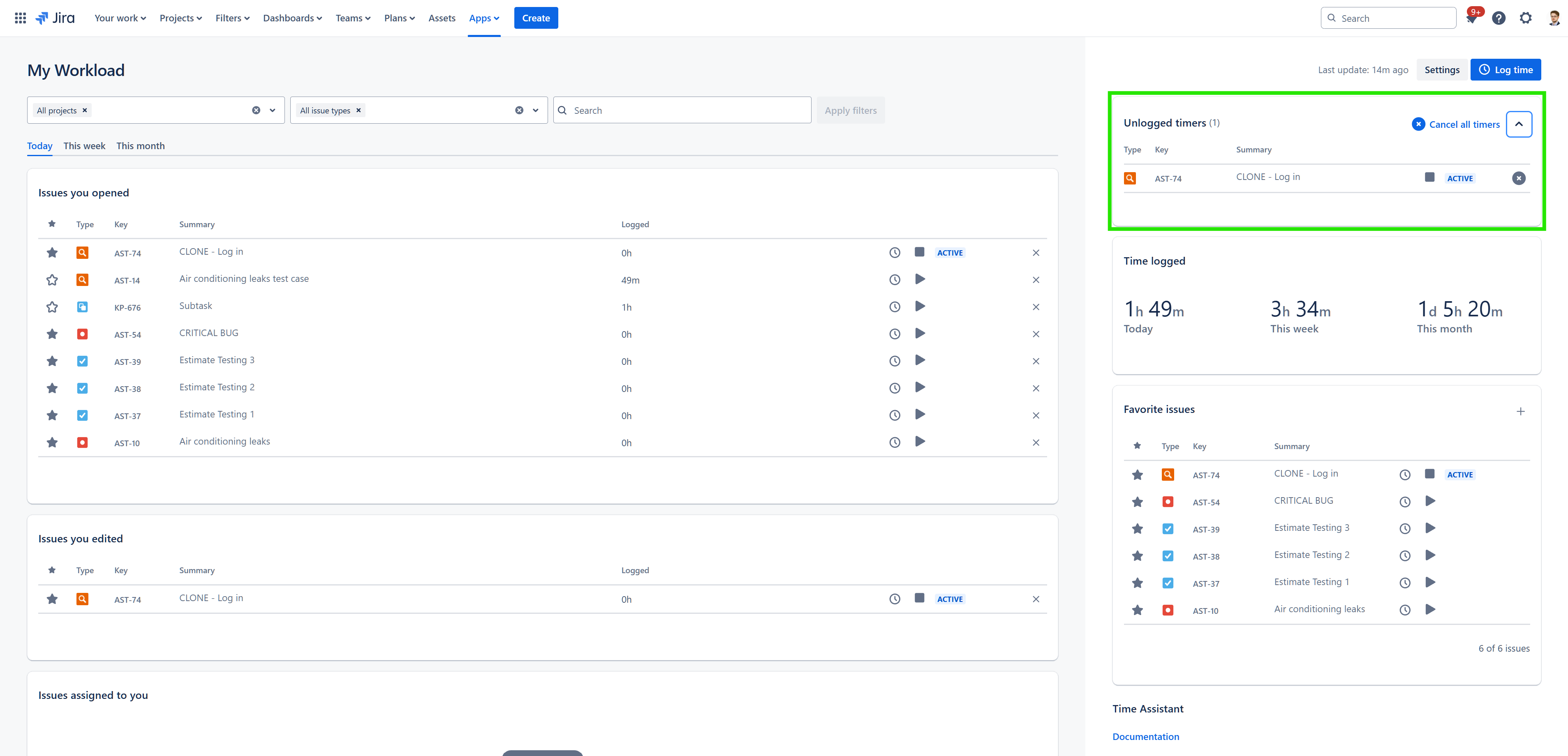
This feature allows you to view and manage your active timers in the Time Assistant app. From there you can perform actions such as:
-
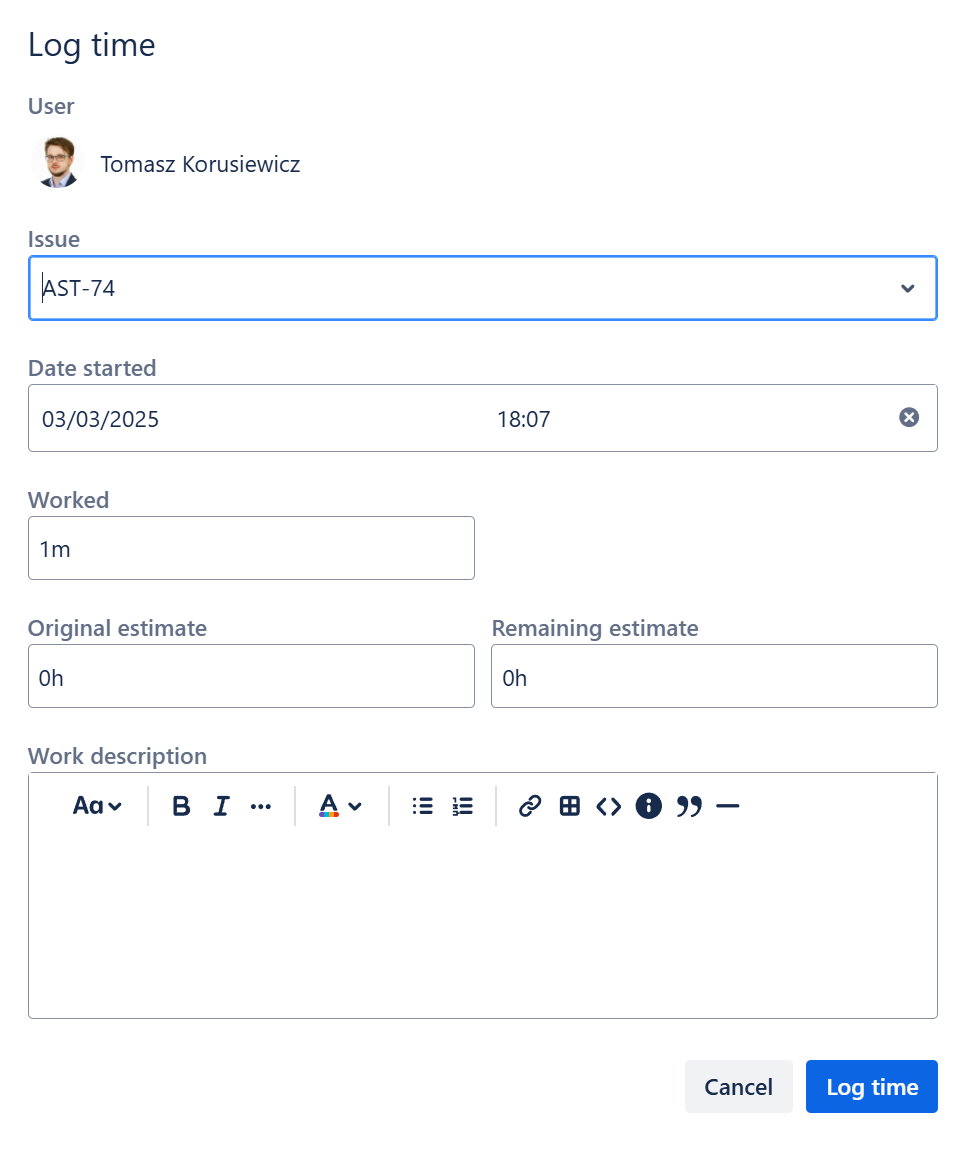
Log time: allows you to stop the timer and log time spent on a particular issue and/or make any corrections to the worklog through a time log modal.
-
Cancel timer: by clicking on the 'X' icon next to the timer, time counting will stop and the logged time will be removed from the workload.
-
Cancel all timers: the ‘Cancel all timers’ button allows to stop and cancel all unlogged timers in the app. The section will then automatically fold.