.png)
How to install the app?
-
Log in to your monday account.
-
Navigate to the upper right corner and click on monday marketplace.
-
To find our app, search for Worklogs for monday.com by SolDevelo.
-
As an administrator, you can choose to Install app and start using it right away.
-
While installing, select the workspace you want to add the app to.
-
If you are not an administrator, you can instead click Request to add. Once your monday administrator approves the request, the app will be installed.
Where can I find the app?
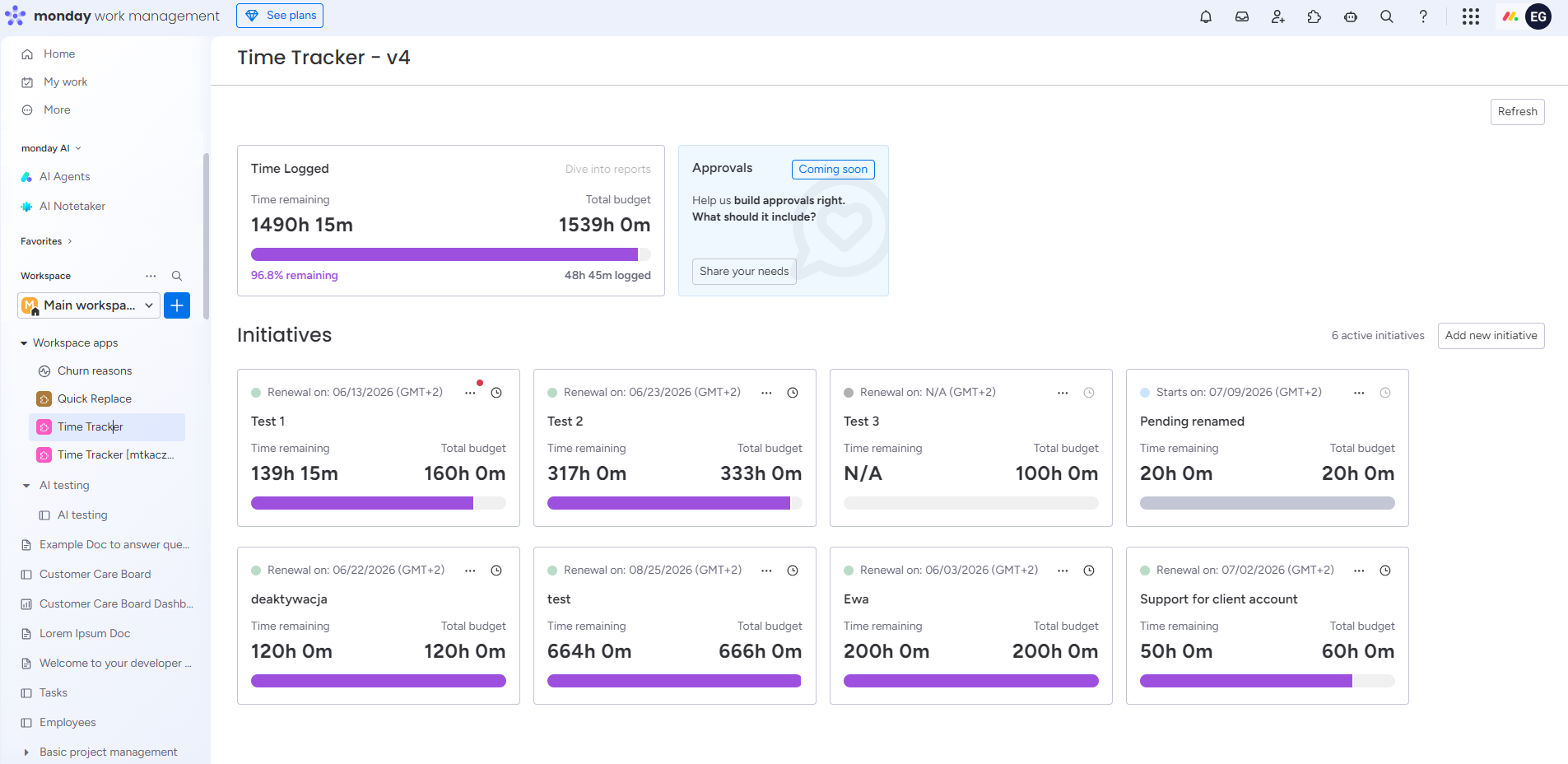
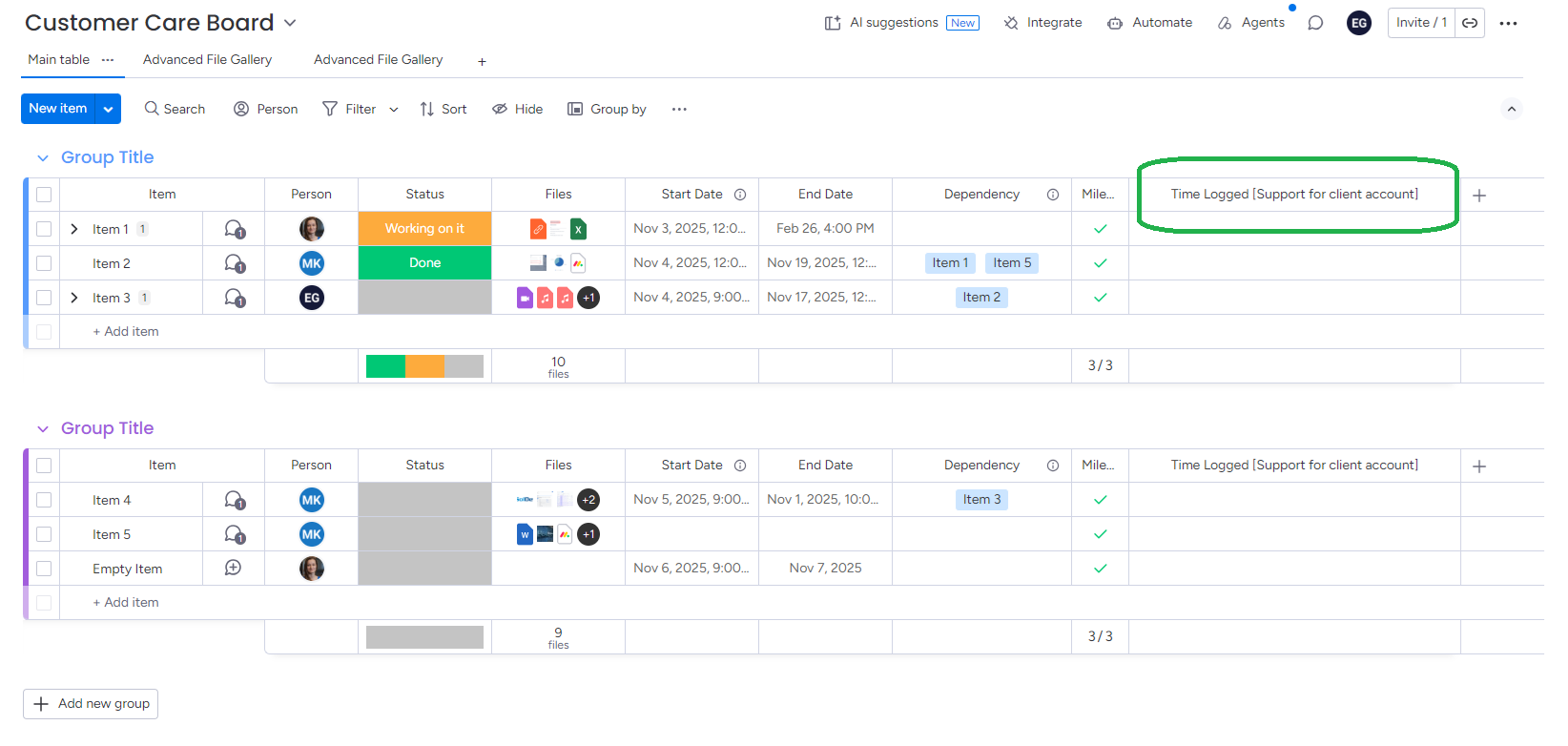
Worklogs for monday.com allows users to log time against higher-level initiatives. The app can be accessed from the Workspace Apps section. When an initiative is created, Worklogs automatically adds a dedicated time-tracking column, called Time Logged with [initiative name in brackets], to every connected board (both classic or multilevel boards).
Do you have any questions or feedback? Please make sure to contact us 💡