.png)
To create a new template:
-
Open the menu on the right side of your checklist.
-
Click Manage templates.
-
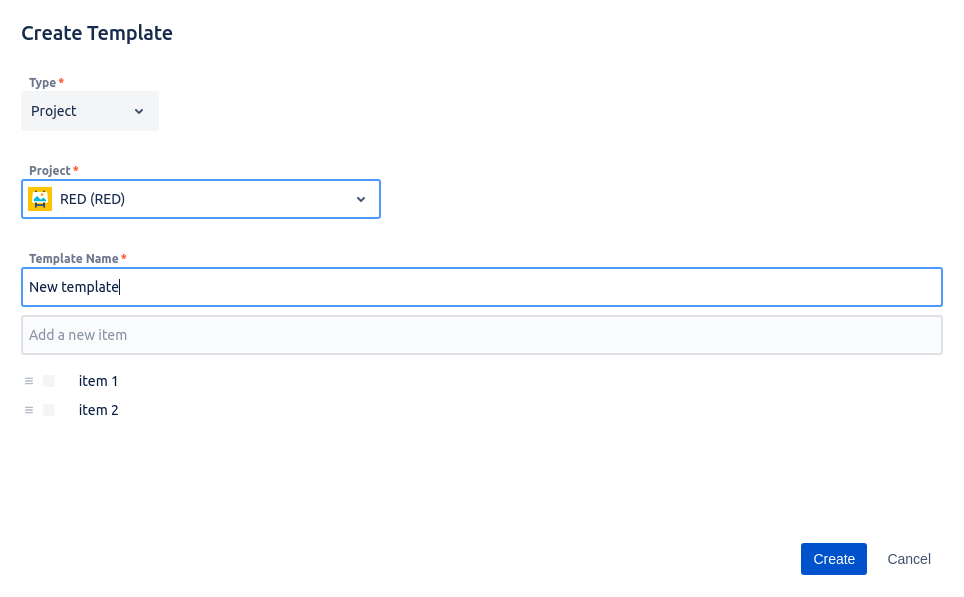
Click Create new template and a window to create a checklist template will open.
-
Choose the type, the project, and the name of your template. Add items by typing them in the Add a new item field and clicking Enter.
-
When you’re done, click the blue Create button.
As a Jira admin or user with global permissions, you can create the Global template as well.

Do you have any questions or feedback? Feel free to contact us here 💡