.png)
With Multiple Checklist for Jira you can save the checklist as a template and use it any time you need it.
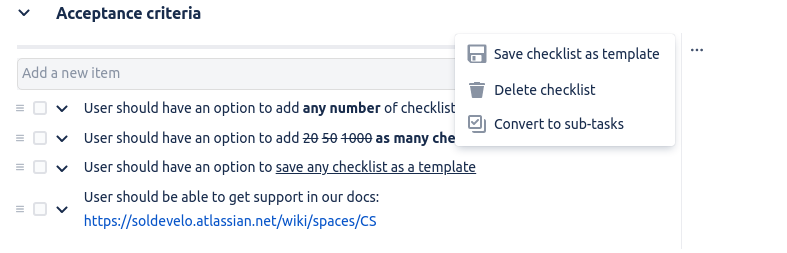
To save a new checklist template:
-
Click the menu next to the checklist.
-
Select Save checklist as a template.
-
Name your new template.
-
Click Save.
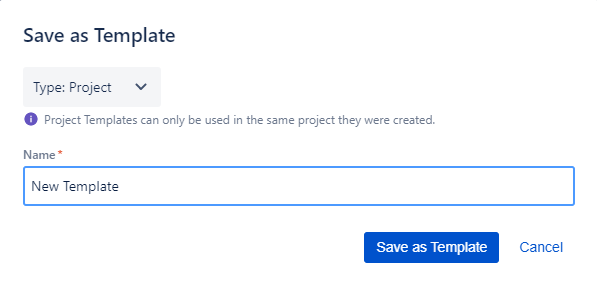
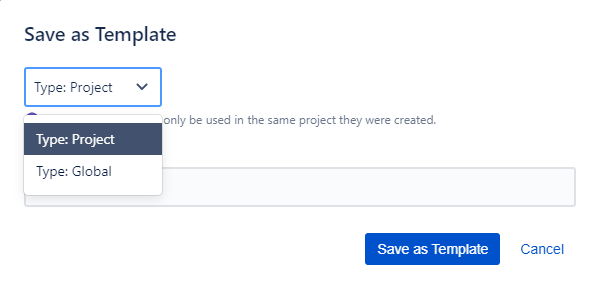
By default, new templates are saved as project templates. Global templates can be also saved, however, only by Jira Admins or user with global permissions.
Do you have any questions or feedback? Feel free to contact us here 💡