.png)
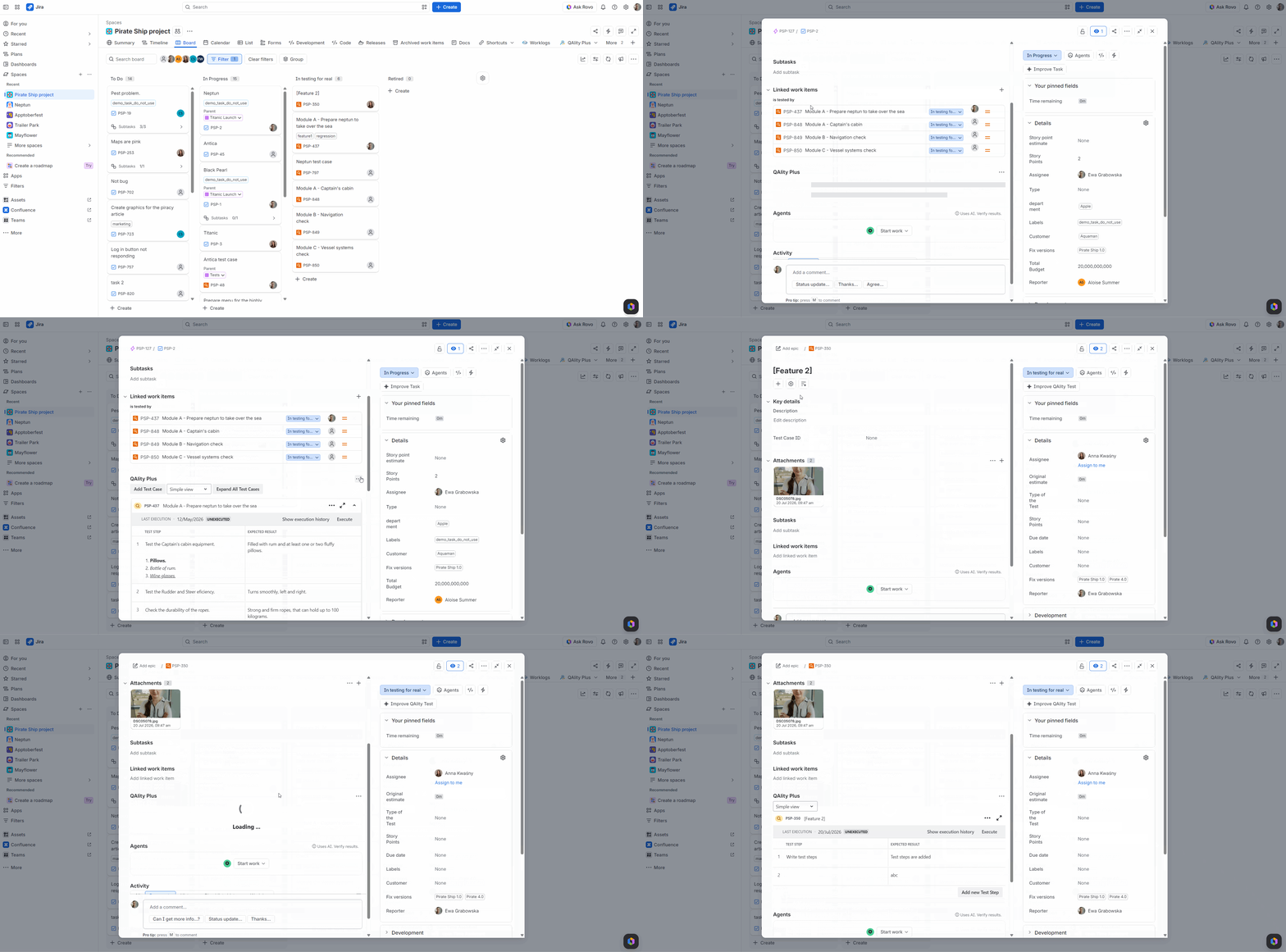
After the move to the Forge Platform (QAlity and QAlity Plus are now on Forge), QAlity/QAlity Plus may no longer appear automatically in the work item view even though it is enabled in the given project.
To open QAlity/QAlity Plus in a work item:
-
Open the work item.
-
Go to Apps → QAlity/QAlity Plus
To show QAlity/QAlity Plus by default for everyone in a project (new option):
-
As a Project Admin, open any work item in the project.
-
Open QAlity/QAlity Plus actions
-
Enable Show for all work items
-
Then open a QAlity Test work item and repeat the steps 2-3.