.png)
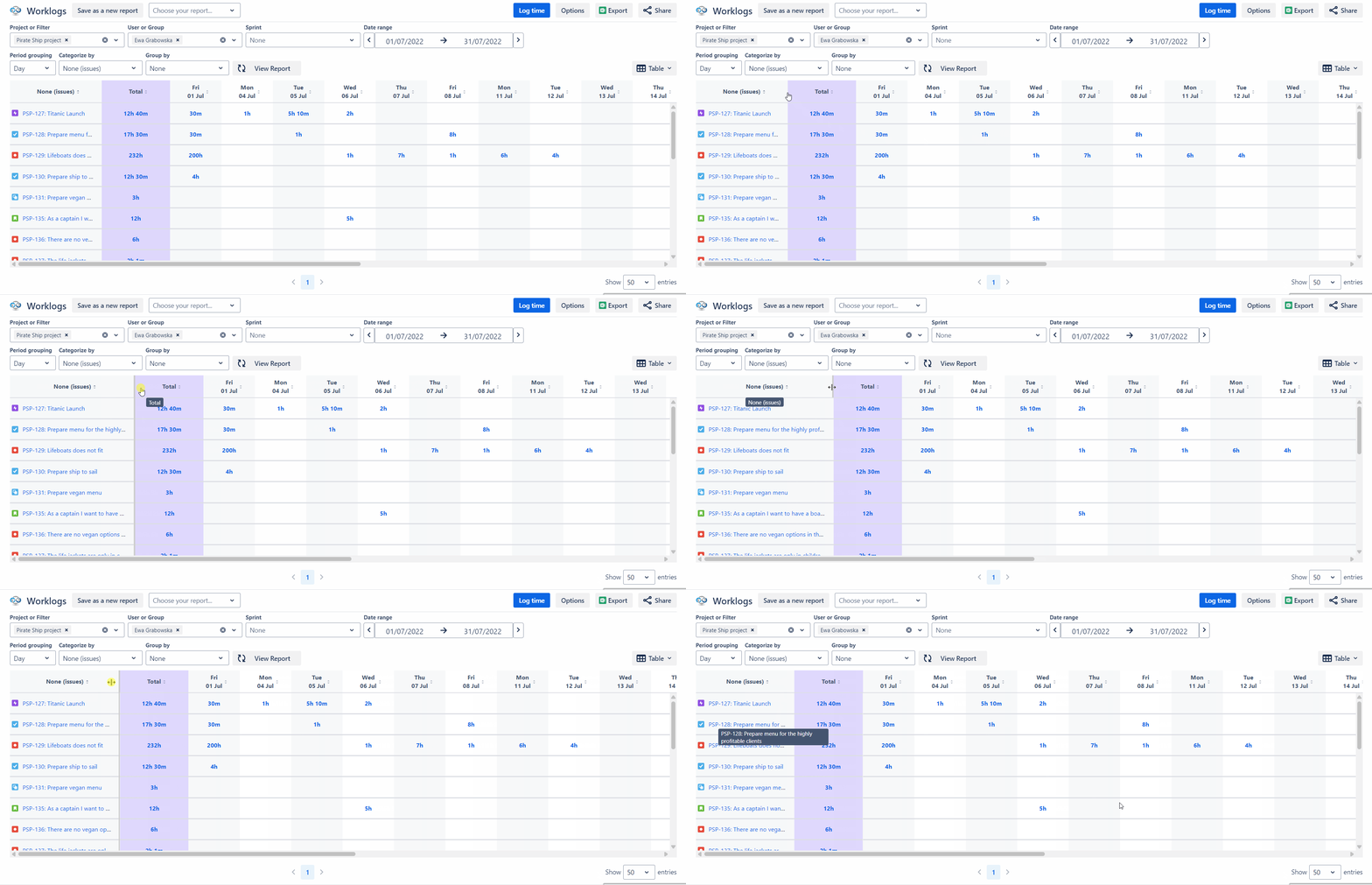
To expand columns, hover over the column header, click on the edge and slide to change the column width to the desired size.
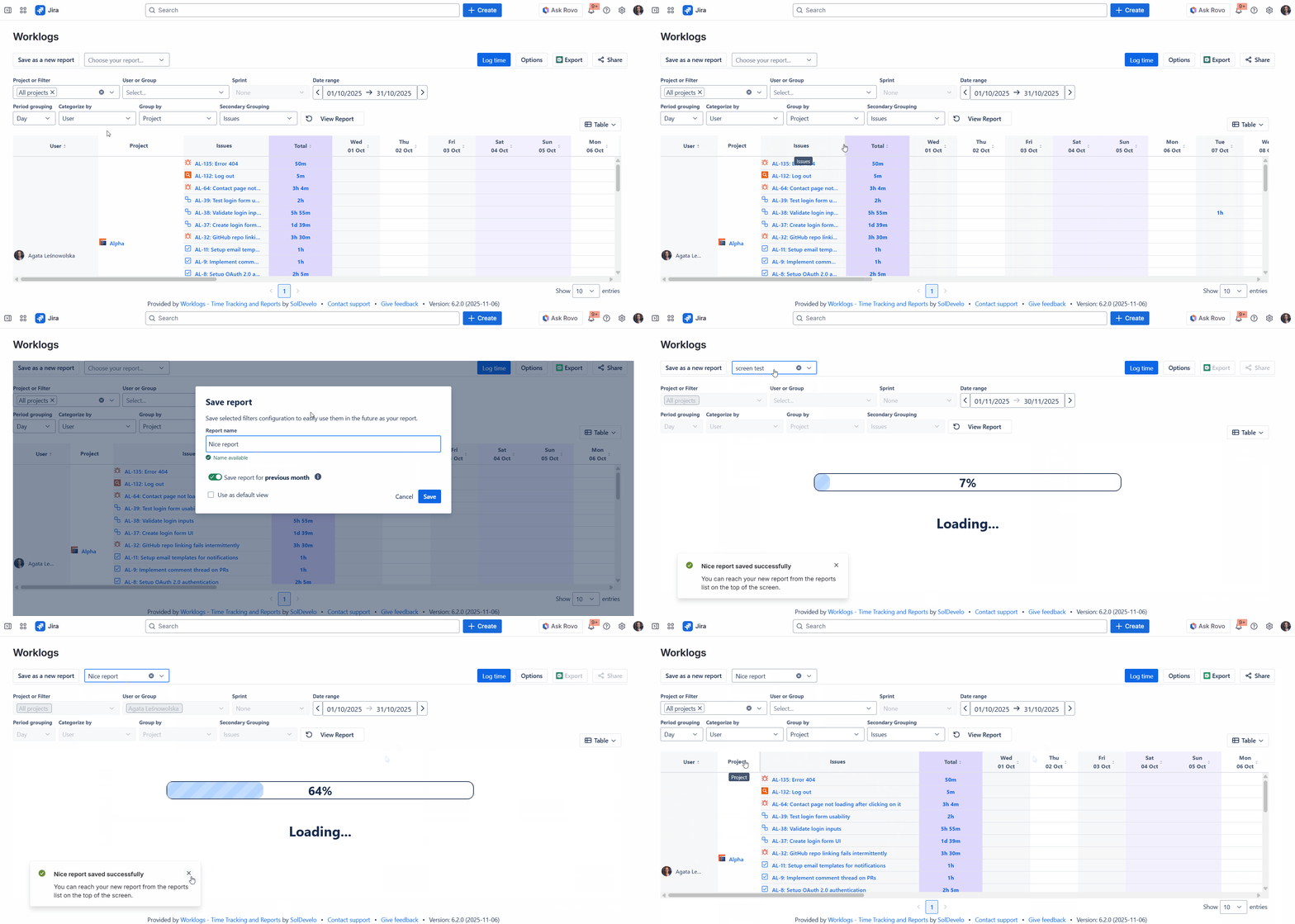
When you save a report, the widths of all resized columns are remembered, ensuring saved reports automatically load with the custom width settings.