.png)
By default, only Jira administrators can manage Global Templates. To grant permission to other users go to Manage Apps → Multiple Checklists for Jira → Checklists Permissions
.gif?cb=11597dc2fde9ffbc1ec8d90261952cfb)
Toggle the ‘Other users or groups’ switch and fill in the ‘Users and Groups’ field - type the names of users and/or groups who are supposed to get permission.
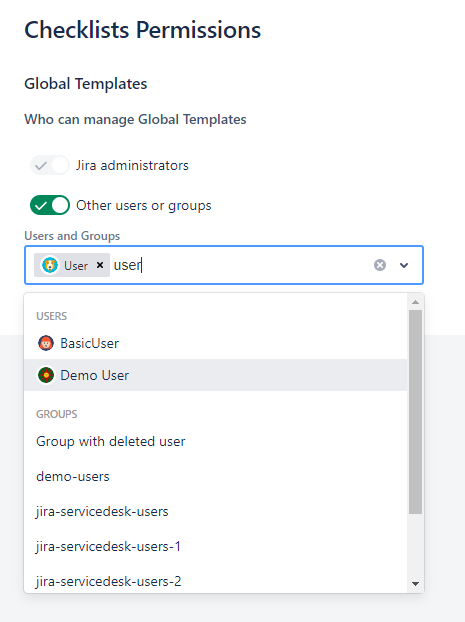
After that, the selected users will be able to edit Global Templates and add automation to them.
Do you have any questions or feedback? Feel free to contact us here 💡