.png)
Reports view is a premium feature. To use it, you need to upgrade your plan to Premium.
Reports view gives you an overview of all time entries logged by all users across your initiatives and monday.com items.
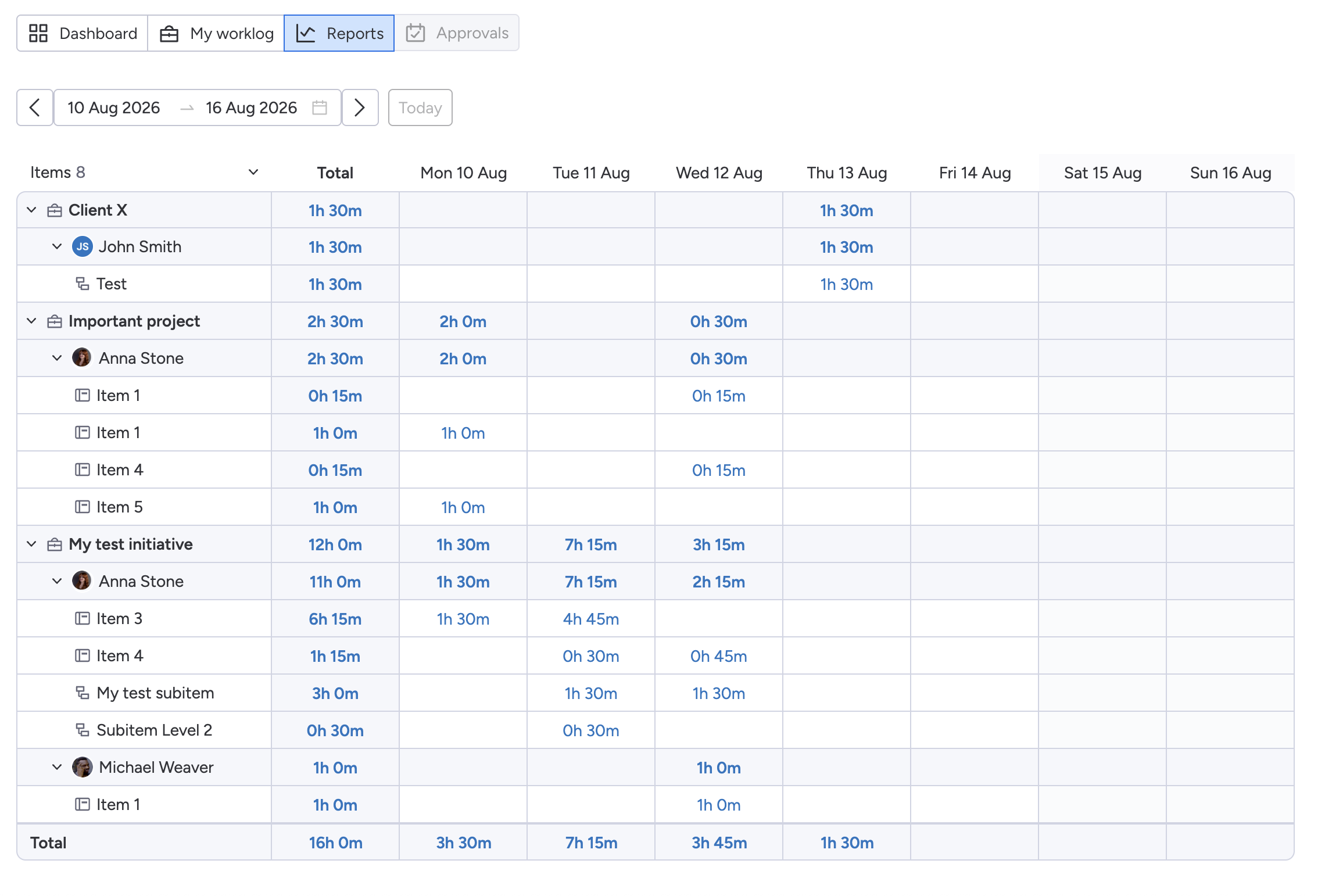
It works similarly to My Worklog, but instead of showing only your own time entries, Reports provides a shared view of the team's logged time. This makes it useful for reviewing team activity, monitoring time spent on initiatives, and preparing reports.
Choosing a Time Period
Use the date picker at the top of the view to select the period you want to analyze.
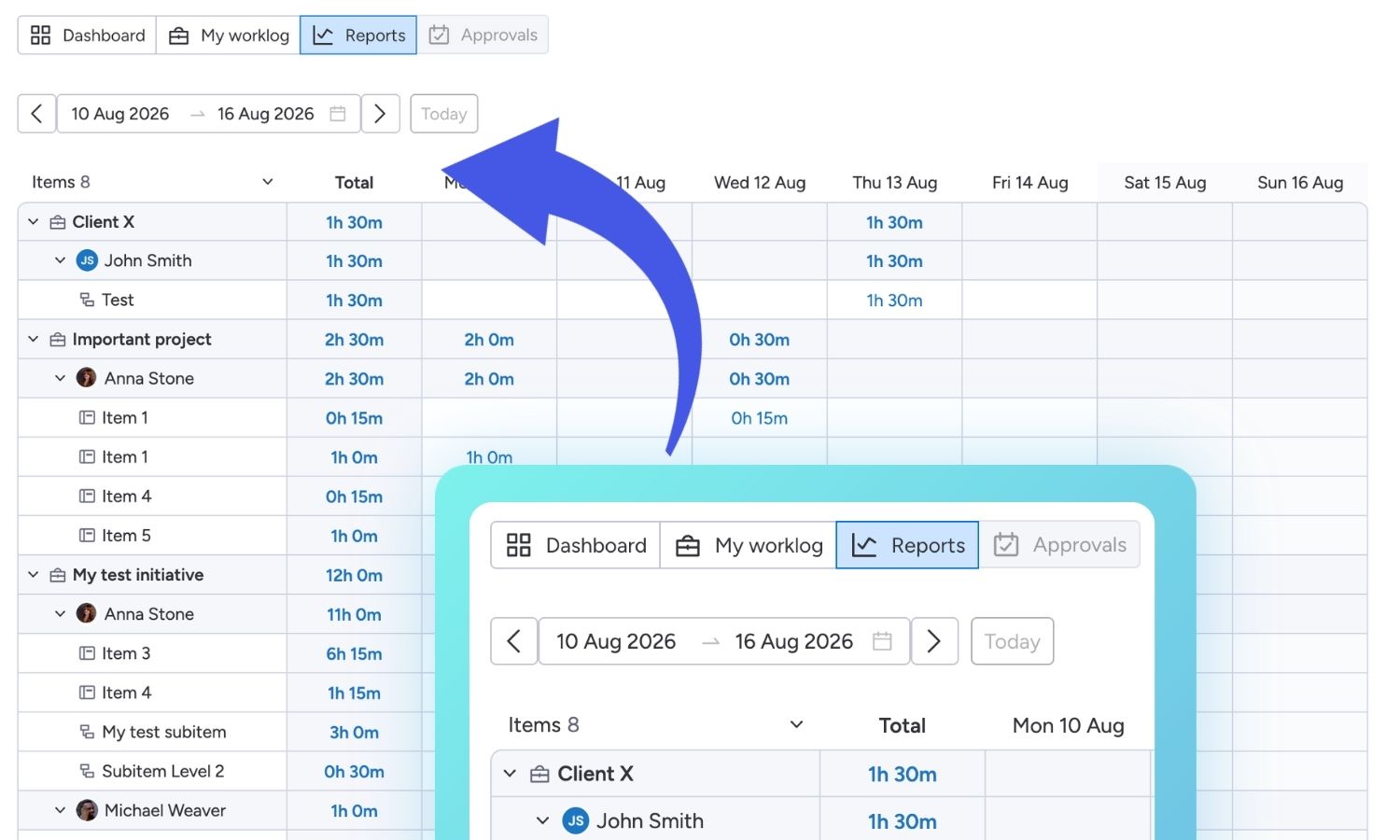
You can choose from predefined periods or select a custom date range. Use the navigation arrows to move between periods, or click Today to return to the current date.
The report is updated automatically based on the selected period.
Viewing Reported Time
Time entries are organized by initiative and the monday.com items associated with each initiative.
For each initiative, you can see:
-
Total - the total time logged by all users for the initiative during the selected period.
-
Daily breakdown - the amount of time logged on each day.
-
Items and subitems the time logged against individual items and subitems.
Expand an initiative to see the items included in its total, or collapse it to keep the view more compact.
The Total row at the bottom of the report shows the combined time logged across all initiatives, users and items during the selected period.
.jpg?cb=4a03af6b9c212114e2b7e1645aa7ccd3)
My Worklog vs. Reports
The main difference between the two views is whose time is displayed:
-
My Worklog - shows only time entries logged by you across all initiatives.
-
Reports - shows time entries logged by all users across all initiatives.
This makes My Worklog useful for reviewing your own activity, while Reports provides a broader view of the team's logged time.
Exporting Reports
You can export the displayed report to a CSV file using the Export button in the top-right corner.
.jpg?cb=7dbaebf90fb85255146c1ecbf7db0871)
The exported data reflects the selected time period and includes the team's logged time for the initiatives and items shown in the report.