
For a quick walkthrough of this feature, watch the video below 📽️.
To make sure you don't have to re-select your filters every time, you can save your report so it is available to you later.
-
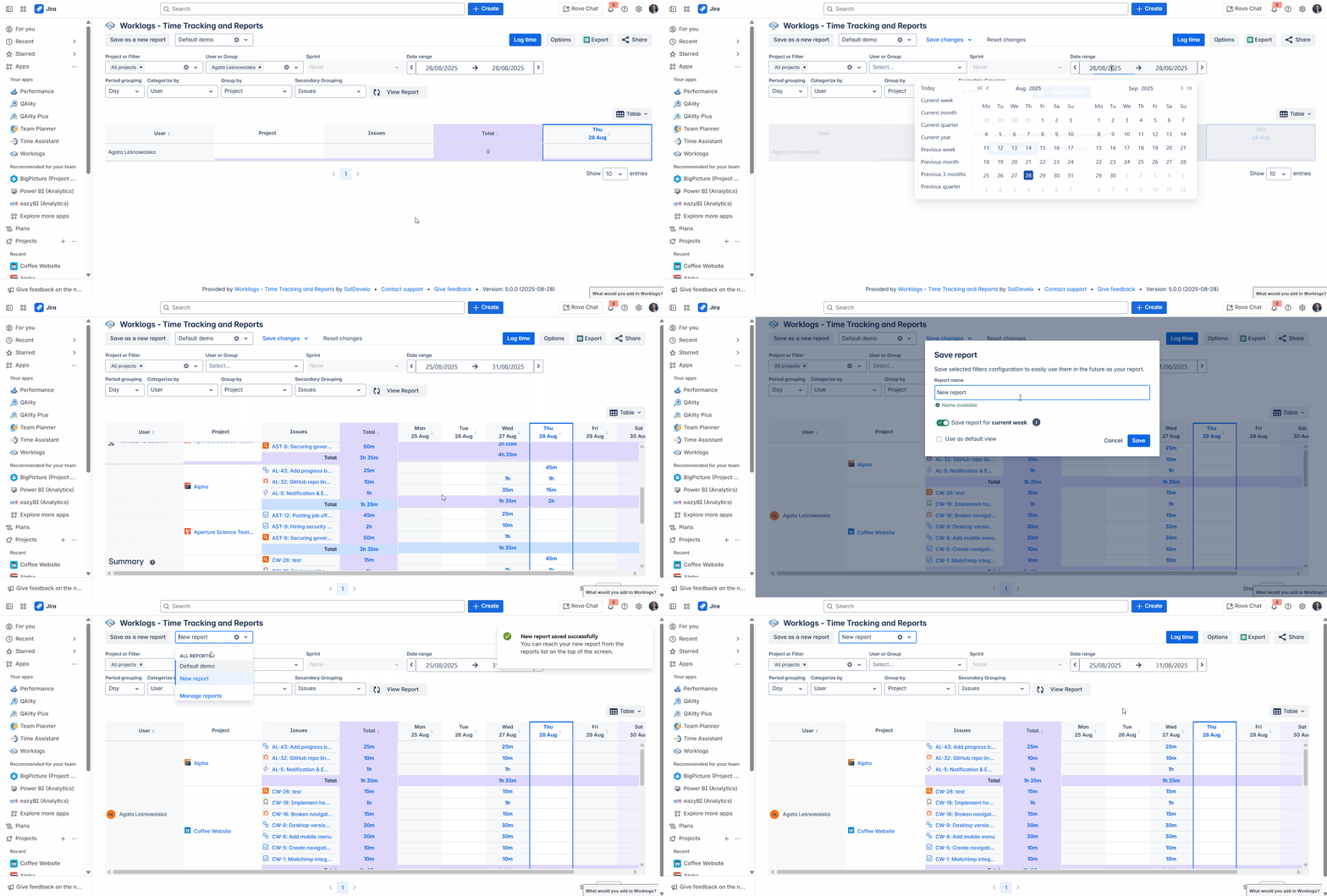
Select your desired filters.
-
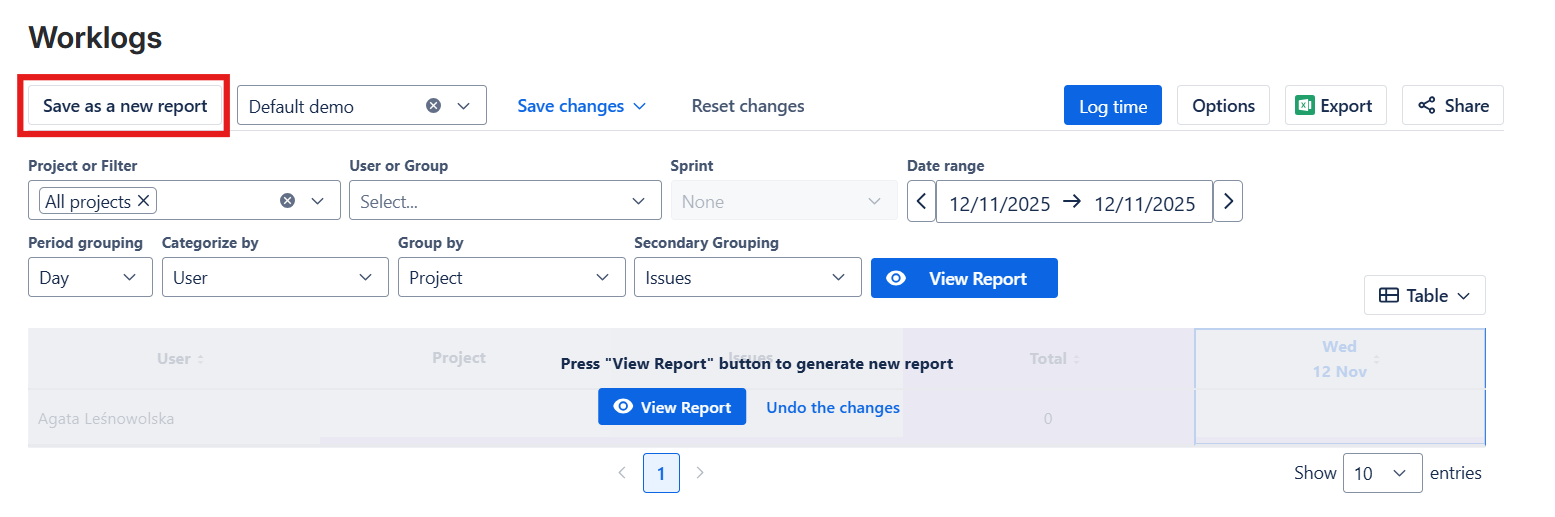
Click the Save as a new report button.
-
Type in the Name of your report.
-
Hit Save.
-
Access your report anytime from the drop-down menu.
Learn more: Saving and managing reports
Do you have any questions or feedback? Feel free to contact us here 💡