
For a quick walkthrough of this feature, watch the video below 📽️.
You can share your Worklogs page with all the settings of filters and groupings by clicking Share. The link will be automatically copied to the clipboard. You can then send it to anyone and they will immediately get to view the same Worklogs table as you.
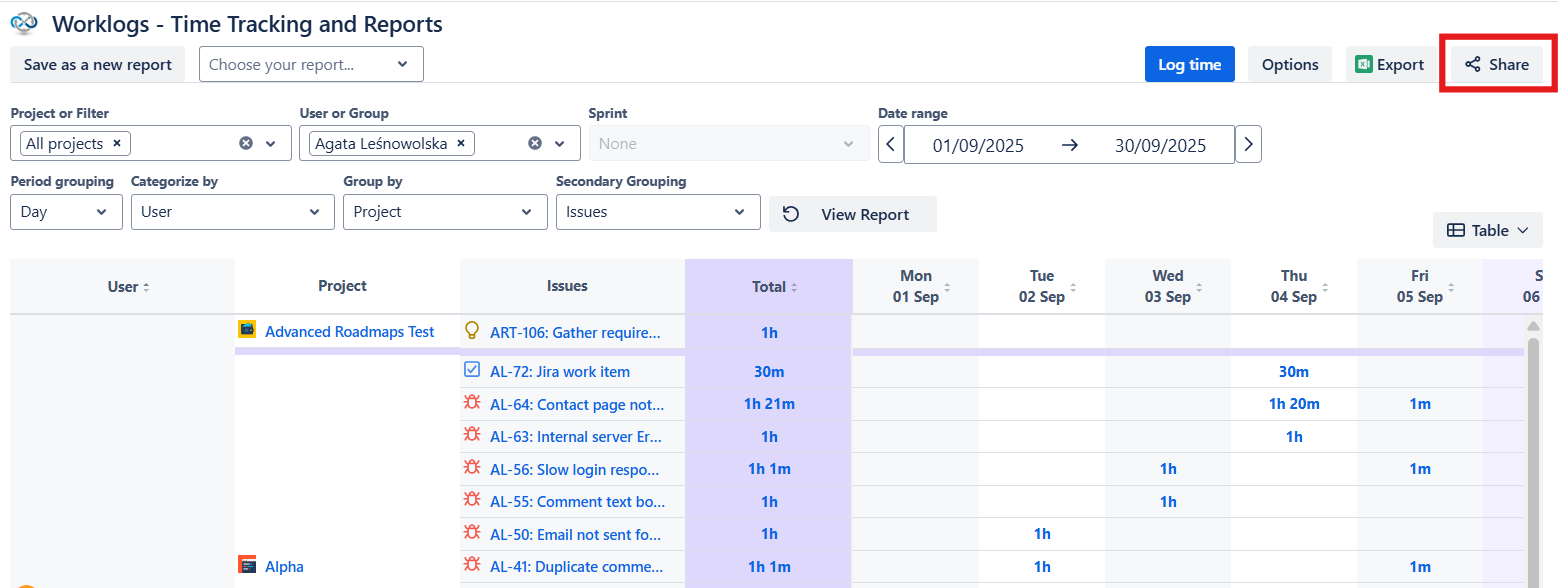
When you share a report, you are sharing your configuration, not the saved file itself. Because reports are saved per individual, the person you share it with will need to Save it as their own report to access it again later.
Learn more: Sharing and export options
Do you have any questions or feedback? Feel free to contact us here 💡