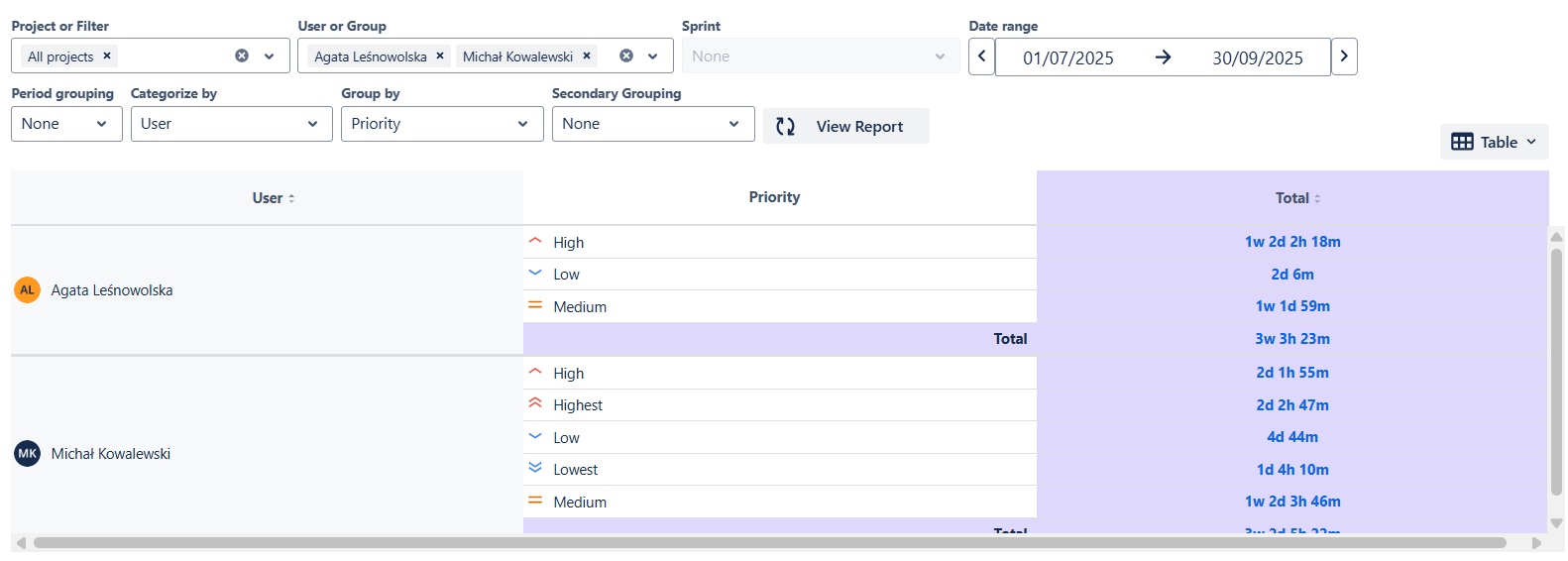
.png)
For a quick walkthrough of this feature, watch the video below 📽️.
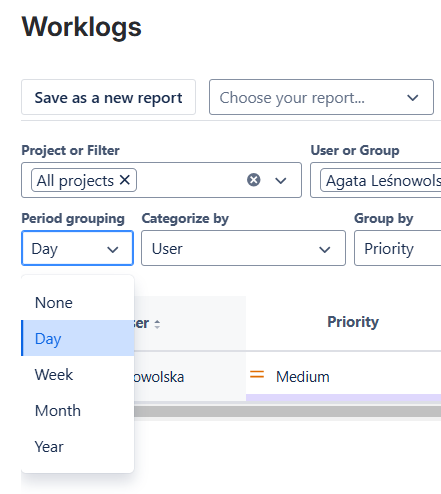
The period grouping filter allows you to adjust the Worklogs table to show the logged time in days, weeks, months, or years. This gives you the flexibility to analyze not only what happens day to day but also how the trends change over a larger time span.
The ‘Period grouping’ updates automatically based on the selected date range. For instance, viewing Worklogs for the current year will change the grouping from ‘Day’ to ‘Month’. You may override this behavior by selecting a different grouping.
When ‘Period grouping’ is set to None, only total time values are shown - without any time breakdown.